


Black lightning
A pattern with an edge.
Lightning lines run across the black keycaps, carrying the graphic through the tops and sides. The dark CATCH60 frame keeps the focus on the keys.

Wooting 60HE V2 Fully Modded Keyboard - Lightning Heart (CATCH60 Case)

Configuration
Fully assembled · FR4 or carbon fiber plate
Case and keycap replacement, switch lubrication, stabilizer and large-key tuning, dampening fill, and lighting checks.
U.S. import fees included
Customs clearance, import duties & import taxes are covered.
Shipping is charged separately at checkout.
View shipping policySKU: KL-W60V2-CATCH60-LIGHTNING-HEART
CATCH60 · Wooting 60HE V2
Black lightning graphics meet a heart of clear keycaps. A monochrome CATCH60 build with Wuque Cullinan switches and Wooting 60HE V2 at its core.

Black lightning
Lightning lines run across the black keycaps, carrying the graphic through the tops and sides. The dark CATCH60 frame keeps the focus on the keys.

A clear heart
Clear keycaps form a heart within the dark layout. Their transparent finish reveals the switches underneath and brings a bright contrast to the black lightning pattern.
Turn it over
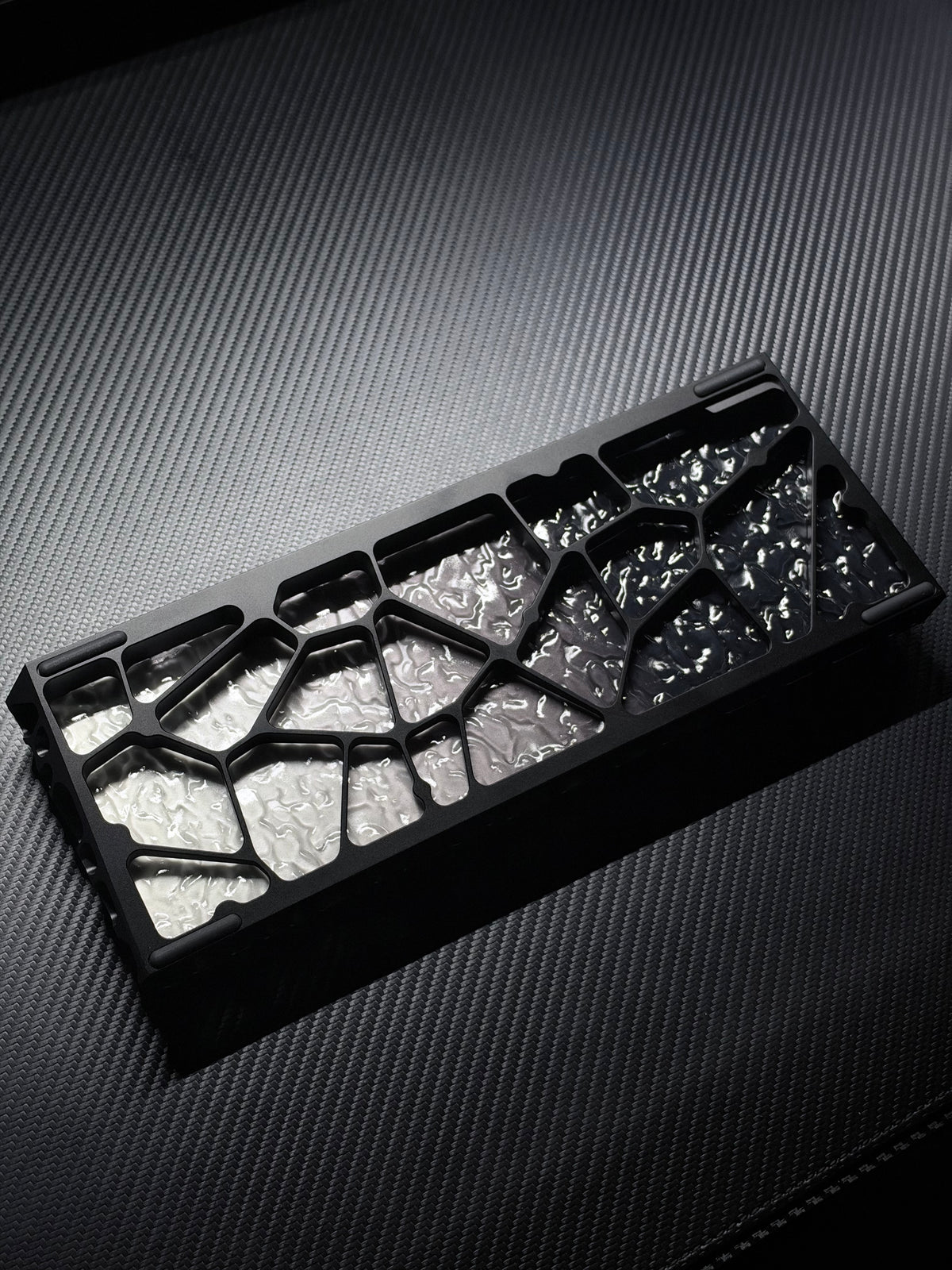
The black aluminum CATCH60 case frames a black-to-white gradient acrylic backplate. The contrasting finish continues the monochrome design around the back of the keyboard.
Your keyboard does more than register each key as on or off. It tracks the key’s entire movement for faster input, finer control, and an expanding range of gaming features.
Wooting’s pioneering feature resets and activates the key as you move, making each input respond immediately to changes in direction.
Fine-tune each key’s actuation point in 0.1 mm increments. Choose exactly how far you want to press before the key activates.
ProSettings.net records more professional players using Wooting than any other keyboard brand.
of tracked pros use Wooting
of tracked pros use Wooting
of tracked pros use Wooting
Based on ProSettings public data as of September 2026.
Explore the additional controls available in Wootility.
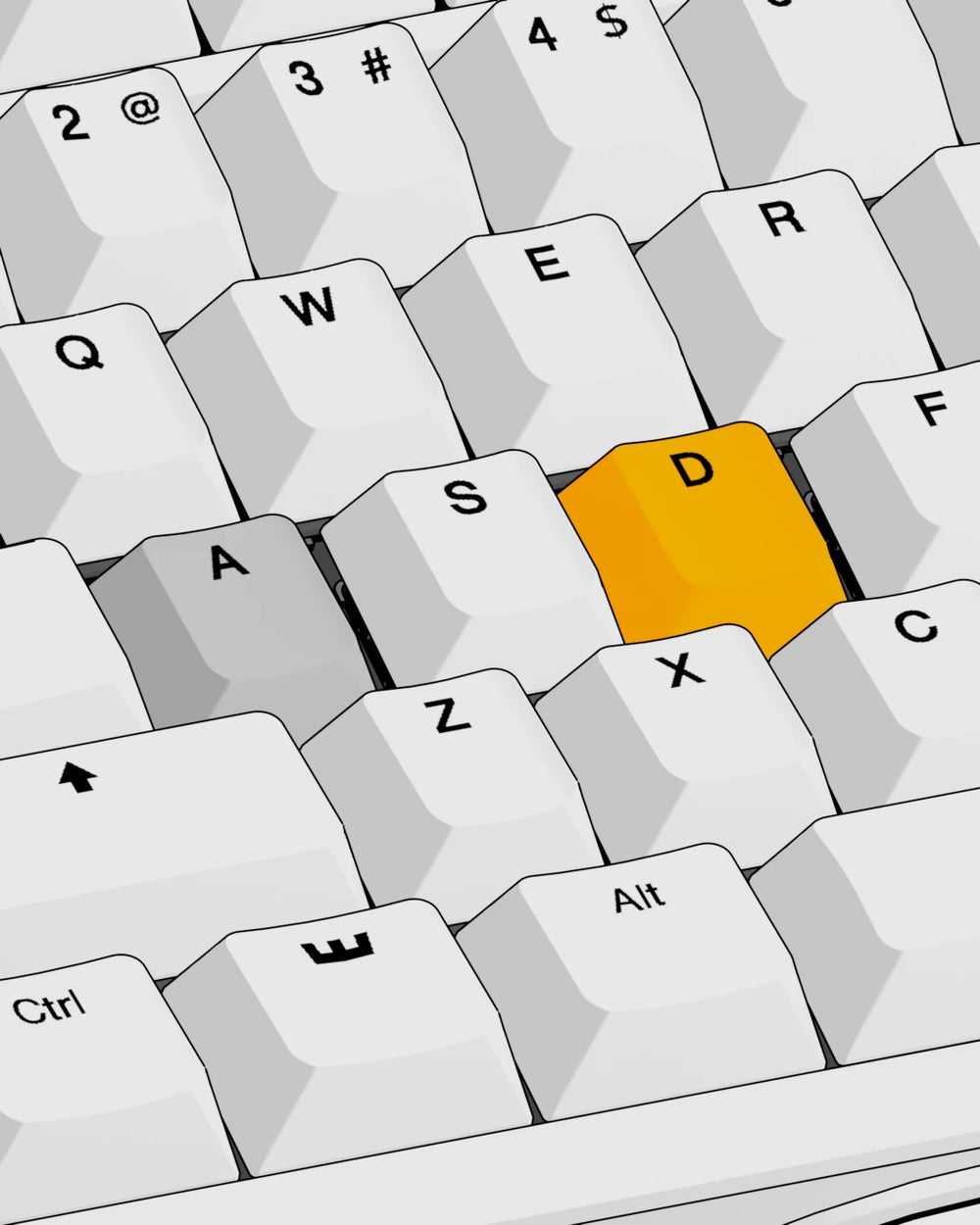
Choose how opposing key inputs are resolved.

Assign different actions to a partial press, full press, partial release and full release.

Change individual key assignments and the functions available on your function layers.
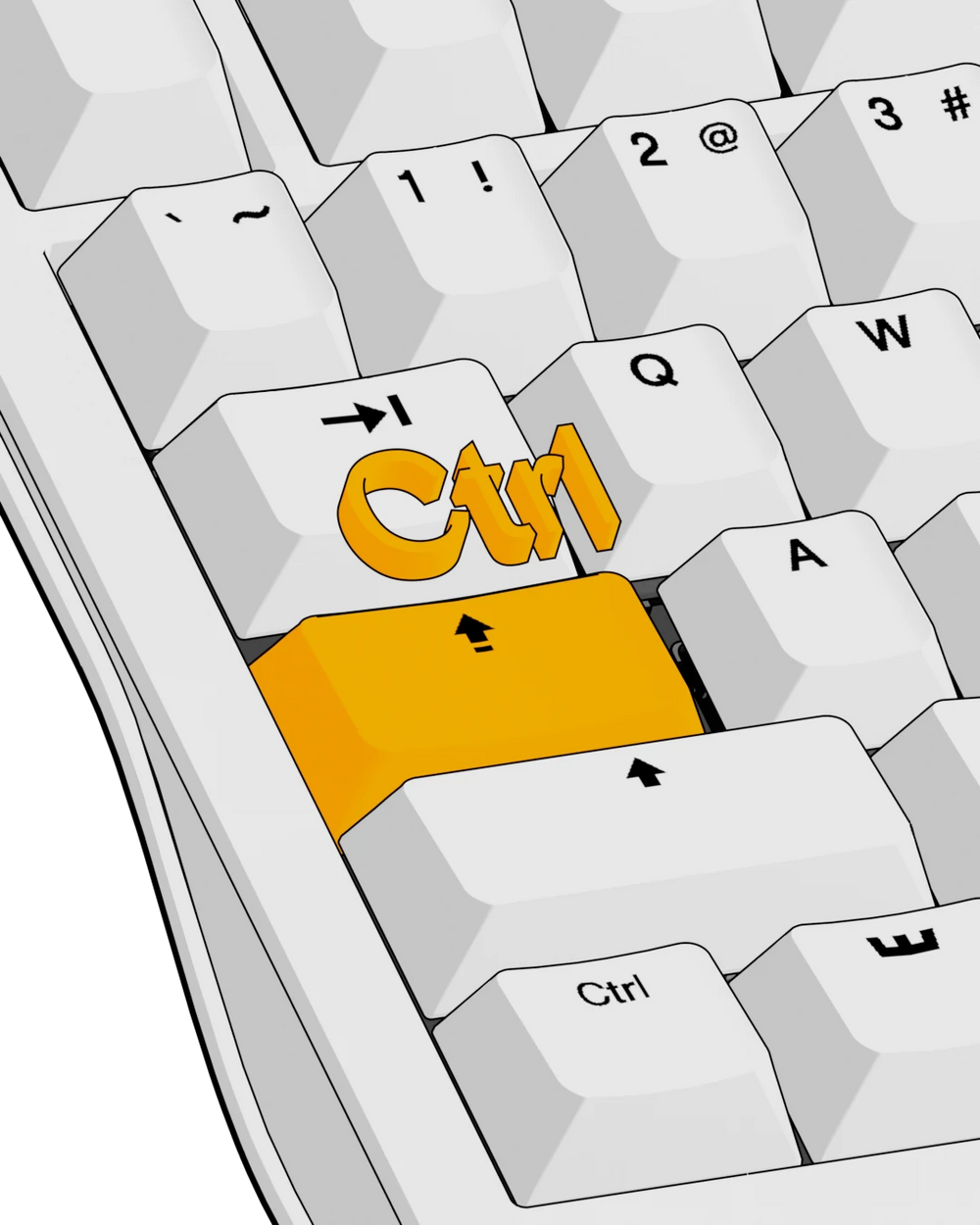
Use a quick tap for one action and a hold for another on the same key.

Use analog input to vary movement speed or throttle with key travel.
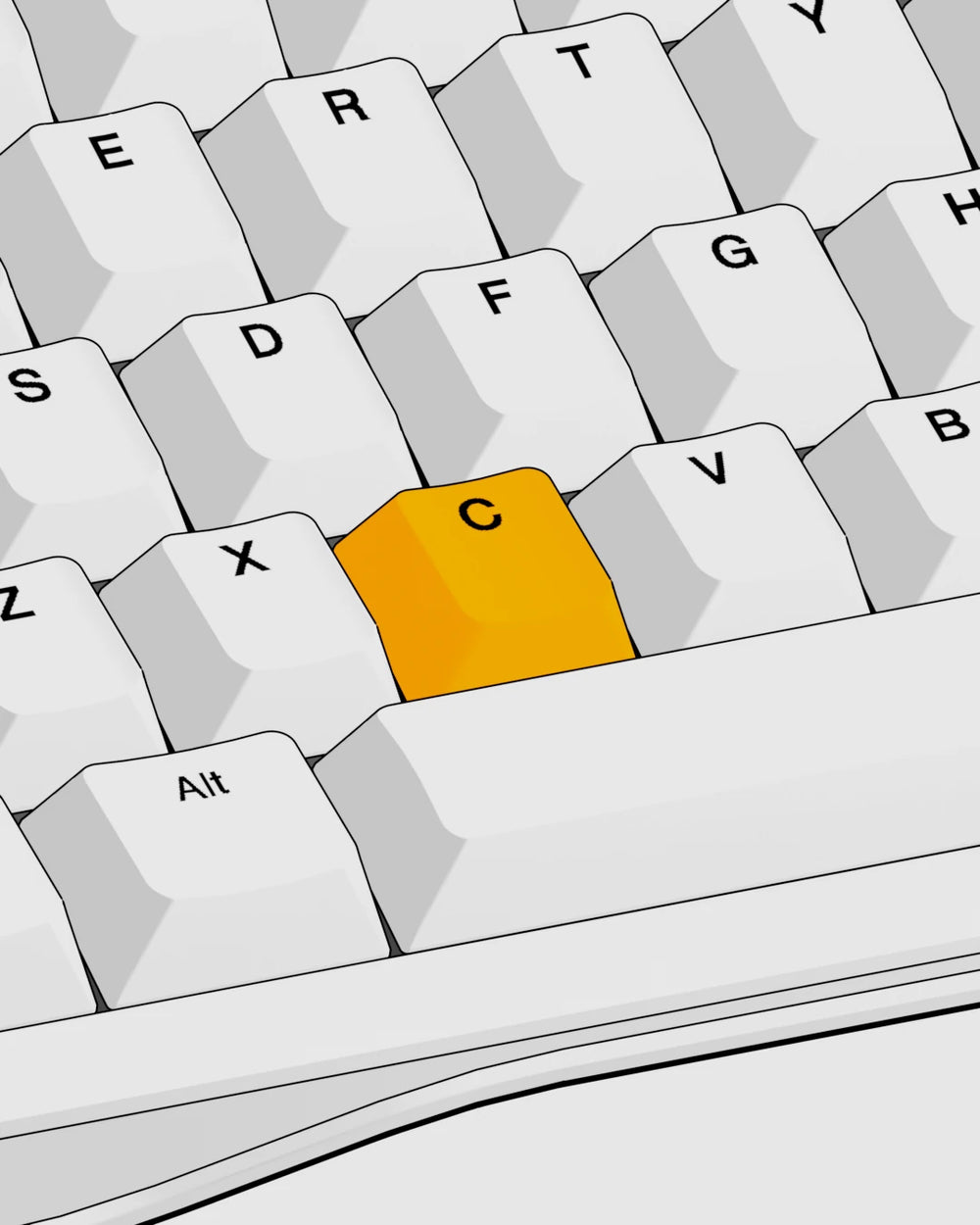
Tap to switch an input on or off; hold the key for its normal action.
If you want Wooting’s powerful performance but would rather choose the other parts of your keyboard, we have you covered!


General illustration. Actual configuration and included parts vary by product and selected options; see this product's details.
PCB image shows packaging, not a bare board.
View full-size illustration